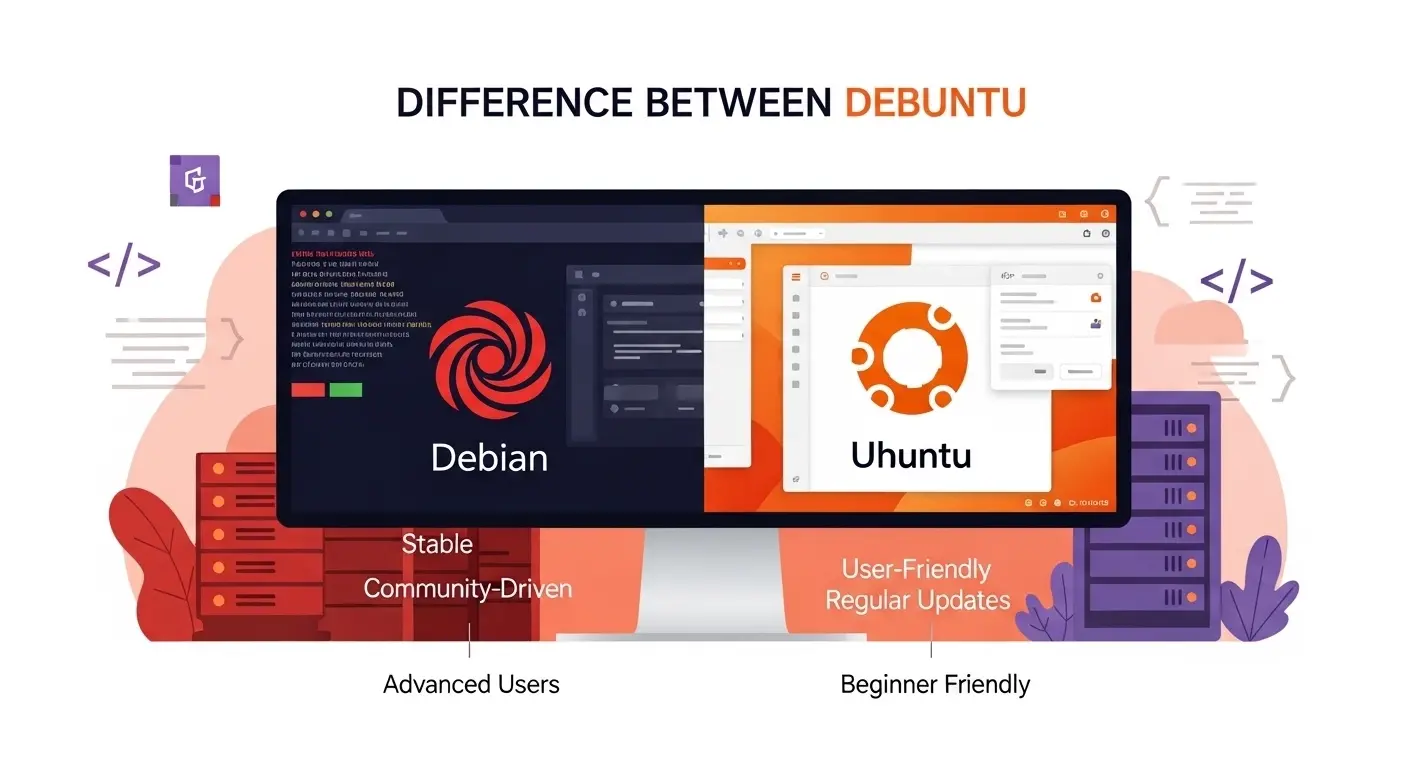
Linux enthusiasts and professionals often find themselves asking: what is the difference between Debian and Ubuntu? Both are popular Linux distributions, but understanding their unique characteristics is essential for learners, developers, and system administrators.
Imagine walking into a tech conference and seeing two developers debating which operating system is better. One swears by Debian’s stability, while the other praises Ubuntu’s user-friendliness. This real-world scenario perfectly captures why knowing the difference between Debian and Ubuntu is crucial.
If you are setting up servers, developing applications, or exploring Linux as a hobby, this knowledge can guide your choice. By exploring their origins, functionality, and use cases, you will understand why each has its strengths and weaknesses.
Pronunciation:
- Debian: US /ˈdeɪ.bi.ən/, UK /ˈdeɪ.bi.ən/
- Ubuntu: US /uːˈbʊn.tuː/, UK /uːˈbʊn.tuː/
Let’s dive deeper into the difference between Debian and Ubuntu and explore why both remain pillars in the Linux ecosystem.
H2: Difference Between Debian and Ubuntu
1. Origin and History
- Debian: Created in 1993 by Ian Murdock, Debian is one of the oldest Linux distributions.
- Example 1: Debian forms the foundation for many distributions.
- Example 2: A server admin might choose Debian for its long-term stability.
- Ubuntu: Released in 2004 by Canonical, Ubuntu is based on Debian but designed for ease of use.
- Example 1: Ubuntu’s desktop versions are beginner-friendly.
- Example 2: Developers often use Ubuntu for cloud computing environments.
2. Release Cycle
- Debian: Focuses on stability; releases occur approximately every 2-3 years.
- Example 1: Debian 11 “Bullseye” released in 2021.
- Example 2: Updates are carefully tested before release.
- Ubuntu: Releases every 6 months; LTS versions every 2 years.
- Example 1: Ubuntu 22.04 LTS released in 2022.
- Example 2: LTS provides 5-year support.
3. Package Management
- Debian: Uses .deb packages with apt for installation.
- Example 1: sudo apt-get install nginx installs Nginx server.
- Example 2: Developers prefer Debian for server software control.
- Ubuntu: Also uses .deb packages but adds PPAs (Personal Package Archives) for extra flexibility.
- Example 1: Adding a PPA for the latest Node.js version.
- Example 2: Users can quickly install new software versions.
4. System Stability
- Debian: Extremely stable; rarely breaks after updates.
- Example 1: Ideal for enterprise servers.
- Example 2: Minimal downtime for critical systems.
- Ubuntu: Stable but includes newer software which may sometimes introduce bugs.
- Example 1: Desktop users get the latest apps.
- Example 2: Suitable for development environments needing recent features.
5. Community Support
- Debian: Large global community but less focused on beginners.
- Example 1: Mailing lists offer in-depth discussions.
- Example 2: Forums provide solutions for advanced Linux tasks.
- Ubuntu: Huge community with beginner-friendly tutorials.
- Example 1: Ubuntu forums have step-by-step guides.
- Example 2: Ask Ubuntu is a popular Q&A platform.
6. Default Desktop Environment
- Debian: Offers multiple desktop options (GNOME, KDE, XFCE).
- Example 1: Users can customize based on system resources.
- Example 2: XFCE is used on older machines for speed.
- Ubuntu: GNOME is default; also offers flavors like Kubuntu, Xubuntu.
- Example 1: Ubuntu Studio for multimedia editing.
- Example 2: Lubuntu for lightweight laptops.
7. Hardware Requirements
- Debian: Lightweight; runs on older hardware.
- Example 1: Can install on a 10-year-old laptop.
- Example 2: Efficient on servers with limited resources.
- Ubuntu: Requires more resources for the full desktop.
- Example 1: Ubuntu 23.04 needs at least 4GB RAM.
- Example 2: Better for modern desktops and laptops.
8. Security Updates
- Debian: Security patches are stable but slower.
- Example 1: Debian server updates are tested extensively.
- Example 2: Minimal risk of introducing errors.
- Ubuntu: Faster security updates; benefits desktop users.
- Example 1: Ubuntu automatically notifies about updates.
- Example 2: LTS versions have long-term support.
9. User-Friendliness
- Debian: Less user-friendly for beginners.
- Example 1: Requires command-line knowledge.
- Example 2: Minimal GUI for advanced users.
- Ubuntu: Extremely beginner-friendly with GUI tools.
- Example 1: Software Center for one-click installation.
- Example 2: Easy system settings adjustments.
10. Corporate Backing
- Debian: Community-driven; no corporate sponsor.
- Example 1: Decisions made collectively by developers.
- Example 2: Focus on open-source principles.
- Ubuntu: Canonical provides funding, support, and marketing.
- Example 1: Professional support available for enterprises.
- Example 2: Cloud-focused solutions promoted by Canonical.
Nature and Behavior of Debian and Ubuntu
- Debian: Conservative, stable, server-oriented, highly customizable.
- Ubuntu: Innovative, user-friendly, desktop- and cloud-focused, offers frequent updates.
Why People Are Confused
Both are Linux distributions; Ubuntu is based on Debian. Beginners see similar commands, package formats, and interfaces, creating confusion over which to choose.
Table: Debian vs Ubuntu Comparison
| Feature | Debian | Ubuntu | Similarity |
| Release Cycle | Every 2-3 years | Every 6 months (LTS every 2) | Both use .deb packages |
| Stability | Very stable | Stable, but newer software | Open-source and Linux-based |
| User-Friendliness | Beginner-unfriendly | Beginner-friendly | Both support multiple desktops |
| Security Updates | Slow, tested | Fast, frequent | Both receive security updates |
| Corporate Backing | Community-driven | Canonical-supported | Community involvement exists |
Which is Better in What Situation?
- Debian: Ideal for servers, critical applications, and users needing a stable, long-term OS. Its conservative nature ensures reliability for businesses.
- Ubuntu: Perfect for desktop users, beginners, and developers who want access to newer software and easier support. Also suitable for cloud and multimedia projects.
Metaphors and Similes
- Debian: Like a fortress—strong, stable, and resistant to change.
- Ubuntu: Like a sports car—fast, attractive, and user-friendly but requires careful handling.
Connotative Meaning:
- Debian: Neutral-positive; conveys stability and reliability.
- Ubuntu: Positive; conveys friendliness, innovation, and ease.
Idioms or Proverbs
- “Slow and steady wins the race” – Debian’s approach to updates.
- “Easy come, easy go” – Ubuntu’s fast updates and new software inclusion.
Works in Literature
- Debian and Ubuntu are rarely in traditional literature but feature in technical books:
- The Debian Administrator’s Handbook (Technical guide, Raphaël Hertzog, 2010)
- Ubuntu Unleashed (Technical guide, Matthew Helmke, 2018)
Movies Related to Keywords
No mainstream movies specifically focus on Debian or Ubuntu, but documentaries on open-source include:
- Revolution OS (2001, USA) – covers Linux and open-source movement
- The Code: Story of Linux (2001, USA)
Frequently Asked Questions
- Is Ubuntu better than Debian?
Depends on the use case: Ubuntu for beginners, Debian for stability. - Can Debian run Ubuntu software?
Yes, mostly; both use .deb packages. - Which is safer for servers?
Debian, due to its conservative updates. - Do both support desktops?
Yes, Ubuntu is more beginner-friendly. - Which has better community support?
Ubuntu has larger beginner-friendly forums, Debian has developer-focused communities.
Usefulness for Surroundings
Both promote open-source software, reducing software costs and fostering community-driven innovation. Debian stabilizes servers, while Ubuntu encourages easy adoption for individuals and small businesses.
Final Words
Debian and Ubuntu each have their strengths. Debian is the bedrock of stability; Ubuntu is the gateway to user-friendly Linux. Knowing their differences helps professionals and hobbyists alike.
Conclusion
Understanding the difference between Debian and Ubuntu is essential for anyone navigating the Linux ecosystem. Debian is stable, secure, and ideal for servers, while Ubuntu excels in ease of use, frequent updates, and desktop applications.
Both contribute significantly to open-source growth, offering solutions for different users. By assessing needs and system requirements, one can choose the best distribution to enhance productivity, learning, and technical skills. Ultimately, these distributions complement each other, ensuring that Linux remains versatile and accessible

SwiftHarbor is a dedicated English professor, language researcher, and the founder of SpellCompare.com. With years of academic experience in English grammar, vocabulary development, and linguistic comparison, SwiftHarbor specializes in simplifying complex language rules into clear, practical explanations.
As an expert in word usage, spelling differences, and commonly confused terms, SwiftHarbor has helped thousands of learners improve their writing accuracy and communication skills. Through SpellCompare.com, he provides detailed comparisons, easy examples, and research-based insights that make English learning accessible for students, writers, and professionals worldwide.
Known for a clear teaching style and structured explanations, SwiftHarbor focuses on eliminating confusion between similar words, improving grammar confidence, and promoting precise communication. His mission is simple: to make English easier, clearer, and more powerful for everyone.